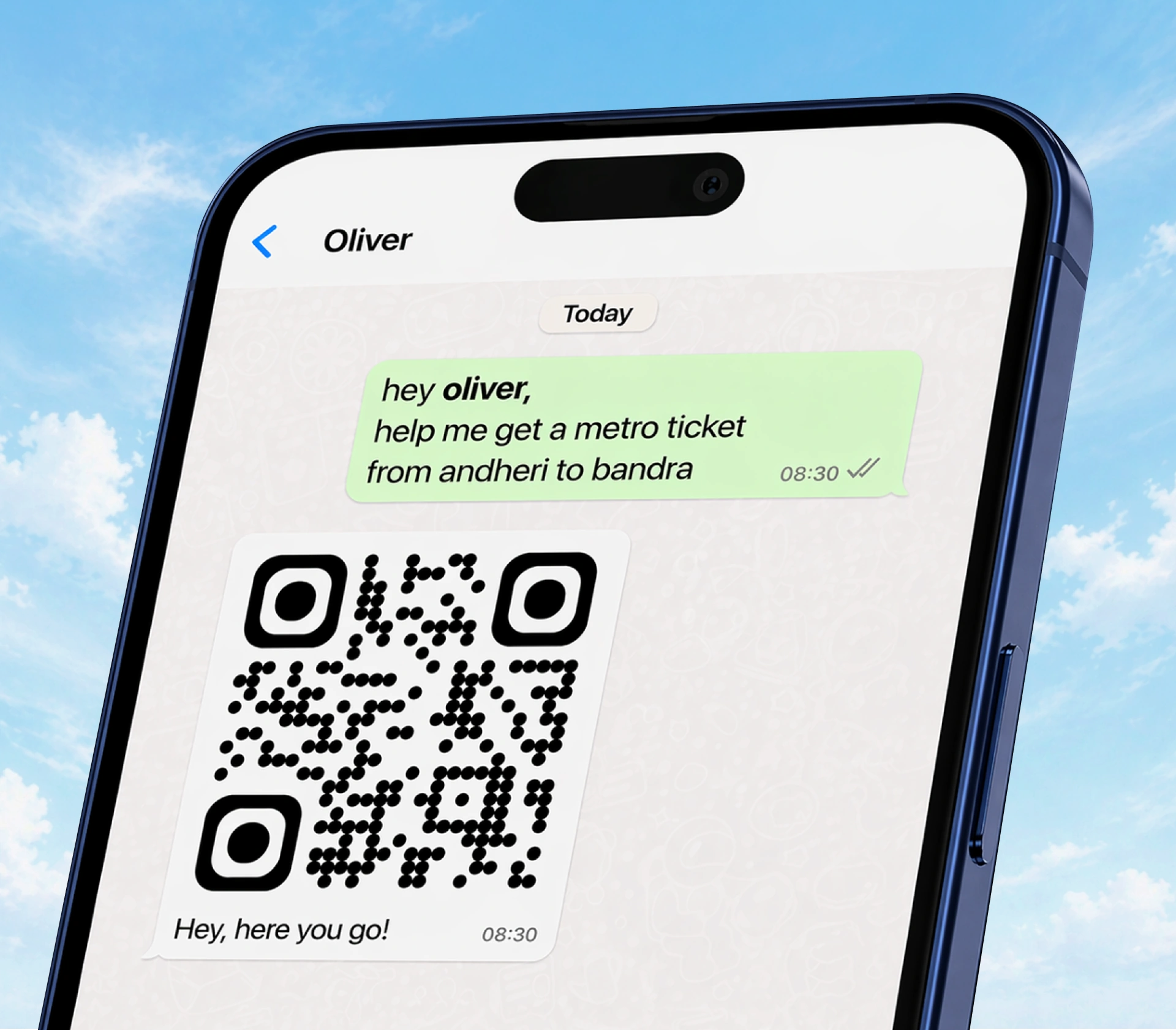
Book metro tickets with Oliver in WhatsApp
Plan a supported journey, review the fare and know what to check after payment.
Metro booking was Oliver's first purchase workflow, starting with Mumbai. You can ask for a supported journey in WhatsApp, review the available fare and pay through the checkout sent in chat. There's no separate Oliver app to install.
Your commute, an unfamiliar route or a missing ticket
Your usual journey:
Help me book one Mumbai Line 2A ticket from Andheri West to Borivali West.
City, line and passenger count make the request specific without a long booking form.
Planning before you buy:
Show me the Mumbai metro map so I can choose my stations.
Use the city planners to explore first, then check whether the chosen journey can be booked.
Travelling together:
I need two tickets for the same journey.
Check the returned route, passenger details and total before paying; don't assume an old single-passenger request still applies.
- A weekday routine: Schedule checkout preparation for your chosen route and time, subject to current provider availability. It prepares a next step for you to review; it is not automatic payment or a season pass.
- You already paid: Ask to find that existing ticket rather than starting again. Use the paid-ticket guide when delivery or the booking outcome is unclear.
From route to ticket
- Share your city, starting station and destination: “Help me book a Mumbai Line 2A ticket from Andheri West to Borivali West.” Include the line if a station name could refer to more than one route.
- Check the supported journey, passenger count and fare Oliver returns. If the route isn't available to book, a map alone cannot make it bookable.
- Review the checkout details before paying.
- Check that a ticket was actually issued. Successful payment is not the same as a usable ticket; open the issued ticket and follow its validity and entry instructions.
Where can I plan a journey?
The website has route planners for Mumbai, Delhi and Bengaluru. Start at metro booking to choose a city. A station or line shown on a map is planning information, not a promise that every station pair is supported for sale.
Availability, fares and ticket conditions depend on the specific route and provider. Don't assume another city's rules or a similarly named station apply to your journey.
Common questions
I paid but can't see my ticket. Should I buy another?
First ask Oliver to find the existing paid ticket and check its status. A missing WhatsApp message does not prove that issuance failed. A second payment can create a separate purchase.
Will I automatically get a refund if something goes wrong?
That depends on the actual booking outcome and applicable policy. Payment, ticket issuance, a refund request and money reaching your bank are separate stages. See paid booking failures, refund status and the refund policy; don't infer eligibility or a completed refund from a missing ticket alone.
Can I use a screenshot or someone else's ticket?
Follow the issued ticket's instructions and validity conditions. Don't assume a screenshot, shared ticket or expired QR will be accepted. If you have a problem at the gate, ask for help with that existing ticket rather than assuming a new booking is necessary.
You can ask Oliver for support when the outcome is unclear, or tell us about your experience.