Save and edit your shipping address
Keep your shipping address in your Oliver account and update it when needed.
You can now save a shipping address in your Oliver account, rather than entering it again each time you return.
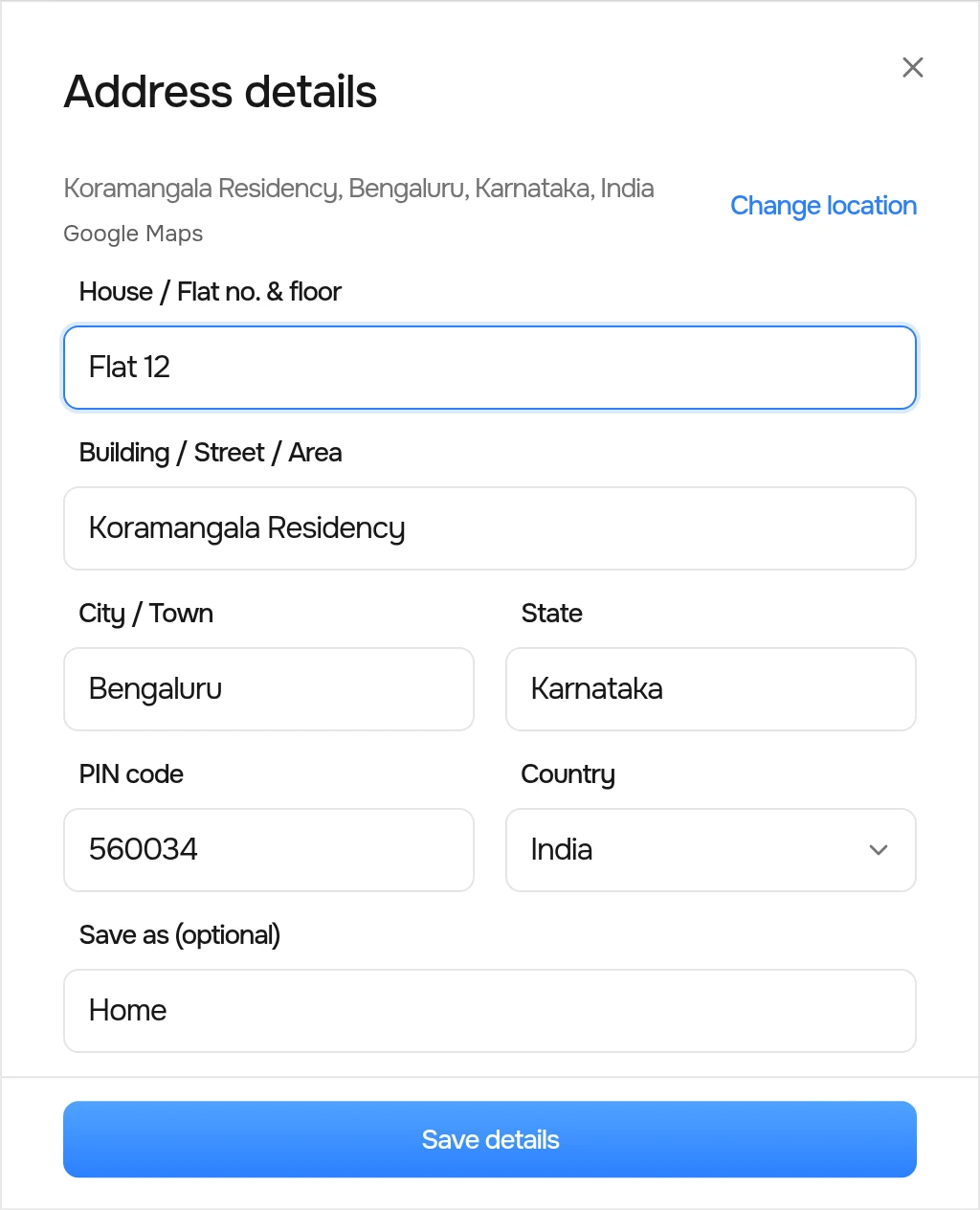
On your account page, choose Add next to Shipping address. Search for your location, fill in your flat or building details, and select Save details. You can give the address a label, such as Home or Work.
Need to make a correction? Choose Edit, update the details, and save your changes.
Once saved, your address stays in your Oliver account. You can update it here anytime.