
Pay using a UPI ID on iPhone
Request a payment and approve it in the payer’s UPI app where supported.
On supported iPhone and iPad checkouts, you can enter the payer's UPI ID to request payment. The payer then opens their UPI app to review and approve it.
That can help when someone else is paying for your trip, or when opening a payment app directly from the browser isn't convenient.
Wait for the confirmed payment result. Your ticket returns to the original Oliver conversation once the booking is complete.
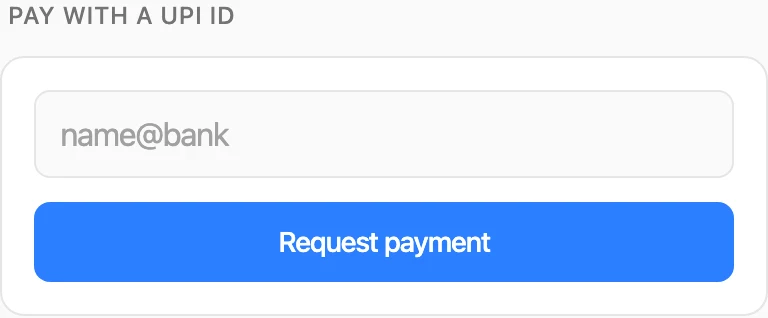
The UPI-ID option where it is available.
Try it: Can I pay for my metro booking using a UPI ID on my iPhone?