
Pay for your metro ticket with a card
Choose a credit or debit card at checkout.
Pay for your metro ticket with a credit or debit card. Choose Credit or debit card at checkout and follow the secure card-entry and bank-verification steps.
Oliver sends your ticket in WhatsApp once the booking is confirmed. If you've already approved a payment, check its status before trying another method.
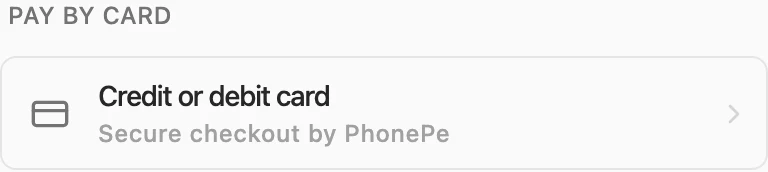
The card option on the current checkout page.
Try it: Help me book a metro ticket and pay by credit or debit card.