
Take your selected metro route into WhatsApp
The website can carry your chosen stations into the booking conversation.
We've improved the handoff from the metro map to WhatsApp. Select your starting station and destination, then use book now to carry that journey into your message to Oliver.
You don't have to type both stations again after choosing them on the map. Check the route in the chat, review the fare and decide whether to buy the ticket.
This builds on the website maps introduced earlier. Map coverage and ticket availability can still differ, so a selected route isn't a confirmed booking.
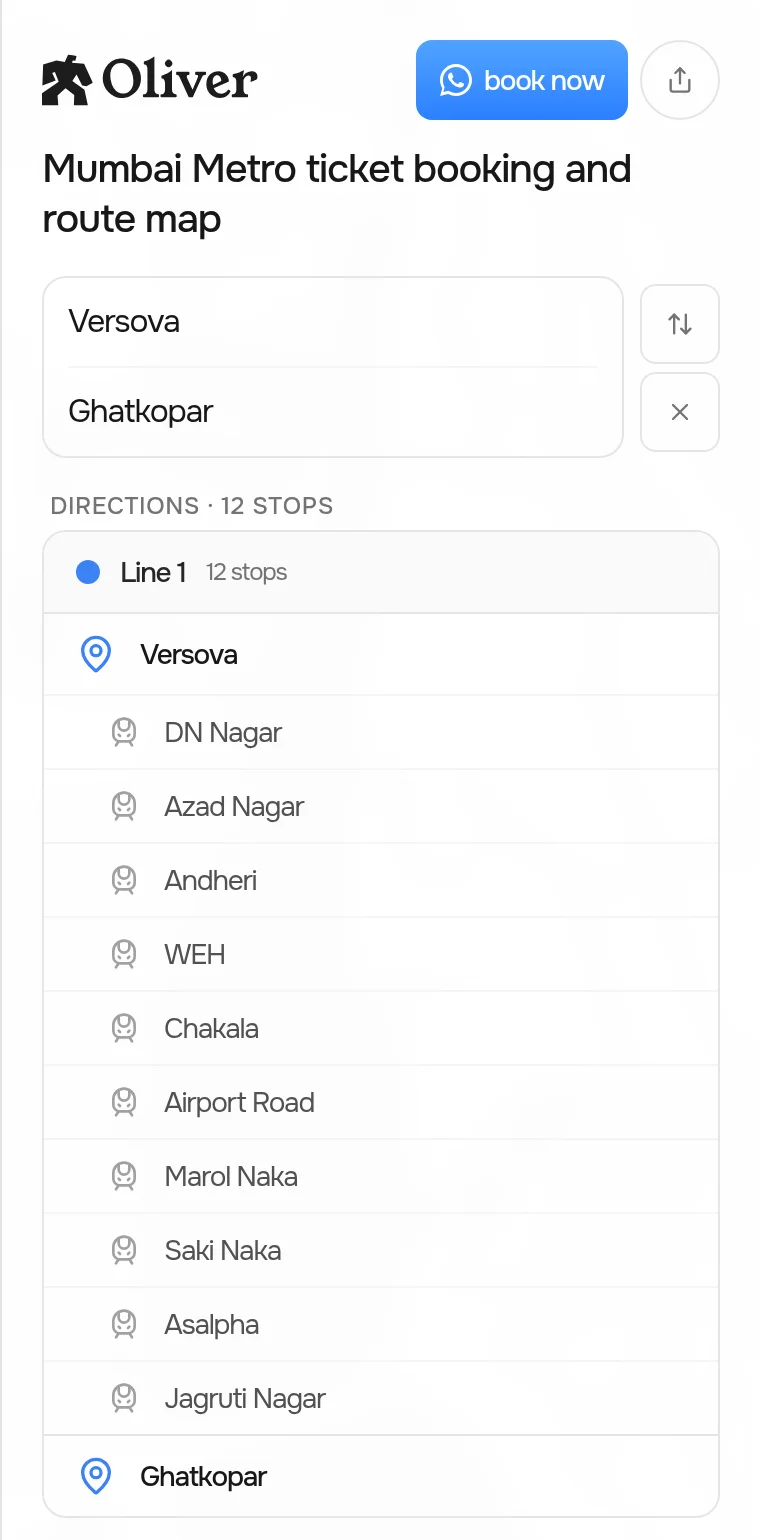
Current Mumbai route-planner demo. Explore the planner.
Try it: Help me explore the metro route from Versova to Ghatkopar in Mumbai.