
Ask Oliver about a video or document
Share a clip, PDF or text file with Oliver and ask about its contents.
You can now send Oliver a video in WhatsApp and ask about what happens in it or what someone says. Add your question as the caption.
For example, send a clip of a station announcement and ask, “What did they say about the platform?” You can also ask Oliver to summarise what happens in the video, rather than describing each scene yourself.
To come back to a clip later, use WhatsApp's Reply on the original video and ask your next question. That points Oliver to the exact clip, even if you've shared other videos since.
MP4 clips up to 50 MB are supported. If Oliver can't read a video, try a shorter MP4, share a screenshot or describe the part you need help with.
You can also share a PDF or UTF-8 TXT file and add your question as the caption. For example, send a PDF and ask, “Summarise the key points.” For a follow-up, reply to the original document. File access lasts seven days; resend the document if it has expired.
PDFs must be unencrypted, at most 10 MB and no more than 20 pages. TXT files can be up to 64 KiB and 16,000 characters. If a file can't be read, share a shorter supported file or the relevant excerpt.
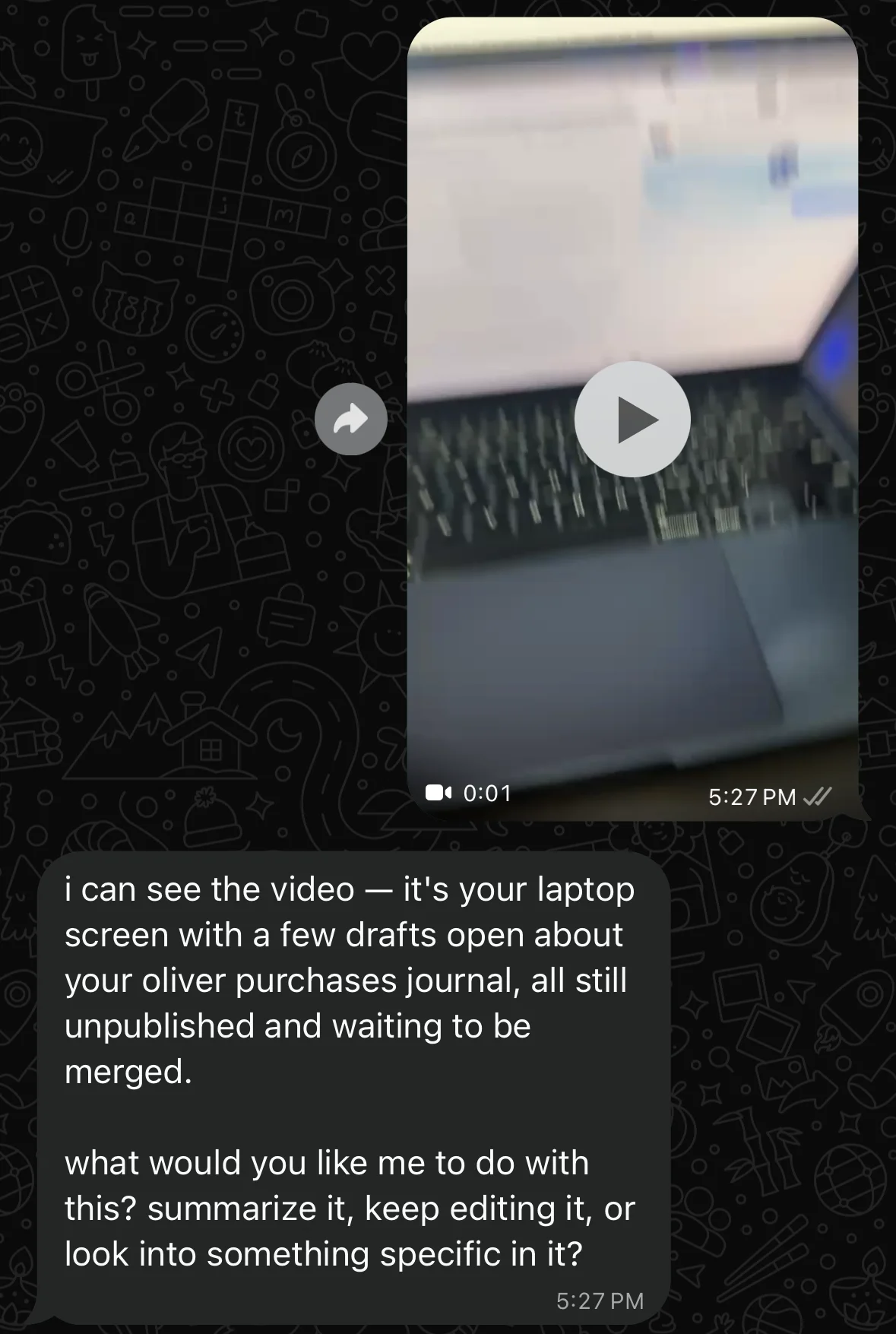
Oliver responding to a video shared in WhatsApp.
Try it: I'd like to share a video or document and ask about it.